> ## Documentation Index
> Fetch the complete documentation index at: https://docs.examin8.com/llms.txt
> Use this file to discover all available pages before exploring further.
# Express Mode
> Create papers quickly based on your custom requirement.
Express mode makes it easier to create testpapers quickly by selecting questions topics wise or chapter wise.
In this mode, we show all the chapters and topics on screen and you can select number of questions required from desired chapters to ceate a paper.
You can create both single subject and mutiple subject papers in express mode. In competitive exams and entrance exams, the papers generally involve multiple subject. If mutiple subject option is available, we display the single / mutiple subject option.
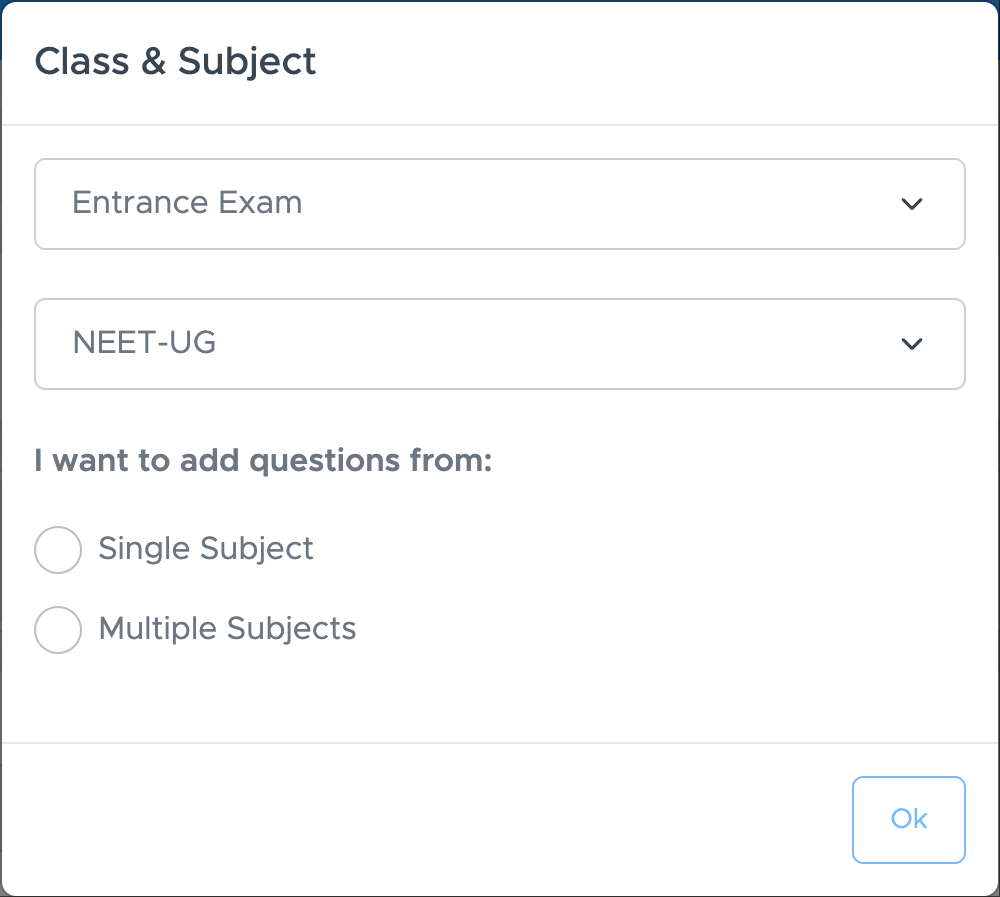 Refer to below sections for details steps:
Suitable for school exams. You can create papers for specific subject like Maths, Science, Social Science etc.
Suitable for entrance exam like NEET and JEE. You can create paper with all subjects in one paper.
Refer to below sections for details steps:
Suitable for school exams. You can create papers for specific subject like Maths, Science, Social Science etc.
Suitable for entrance exam like NEET and JEE. You can create paper with all subjects in one paper.